
Down Abyss is a survival adventure game where you explore a mysterious and horrifying abyss, searching for hope for human survival. The game was developed by a team of 9 at the University of Southern California.

Contribution
As one of the two engineers on the team, I implemented most of the gameplay, AI, and UI systems. In addition, I conducted routine reviews and refactoring of the codebase, as well as wrote multiple technical documents for designers and engineers.
Tools Used: Unity, C#, Git, Photoshop
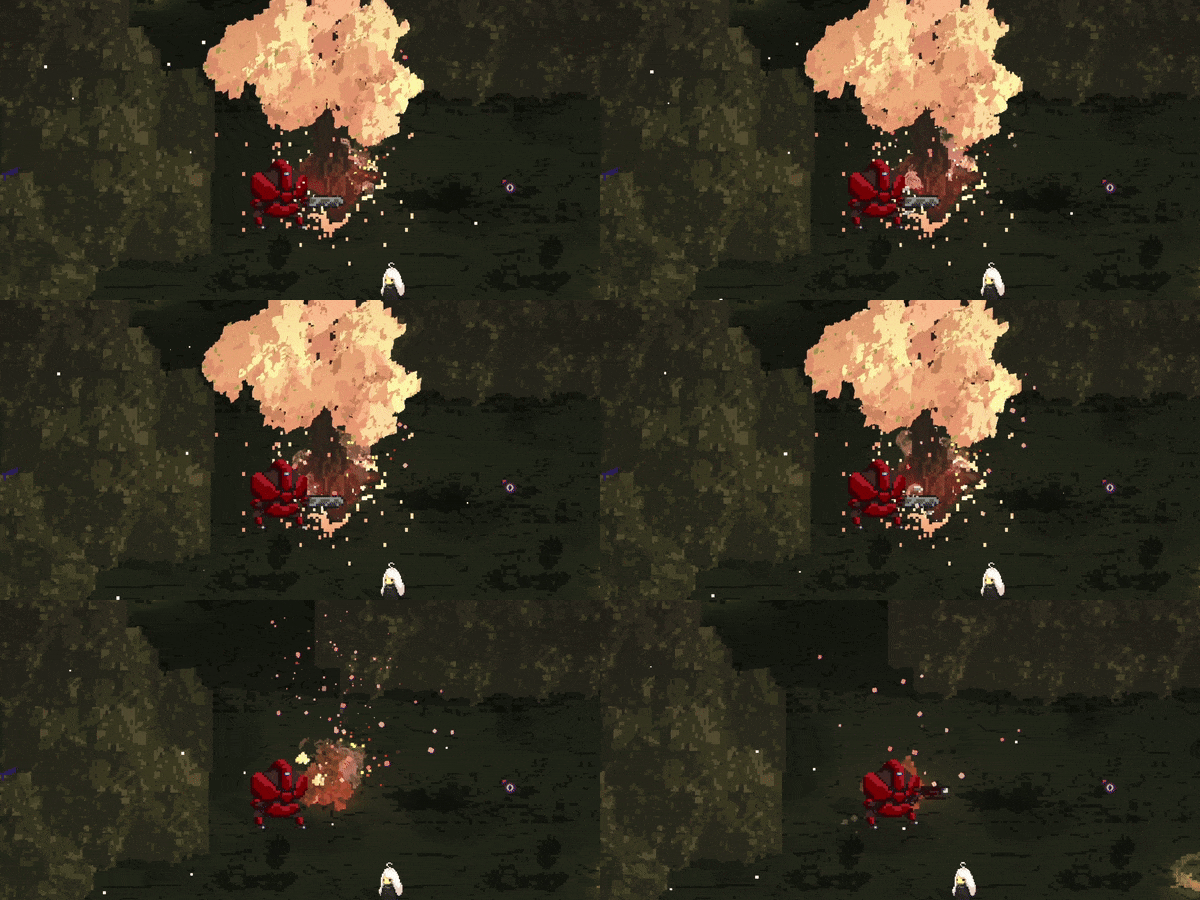
Player 3Cs
- Basic Controls
- Camera Controller
- Animation States
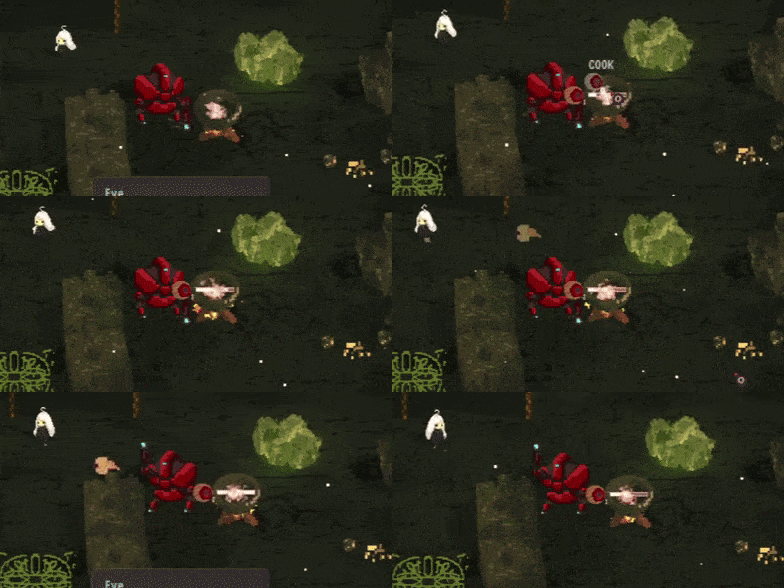
Interaction
- World Object Interaction (Mouse Click and Keyboard)
- Cooking Pot
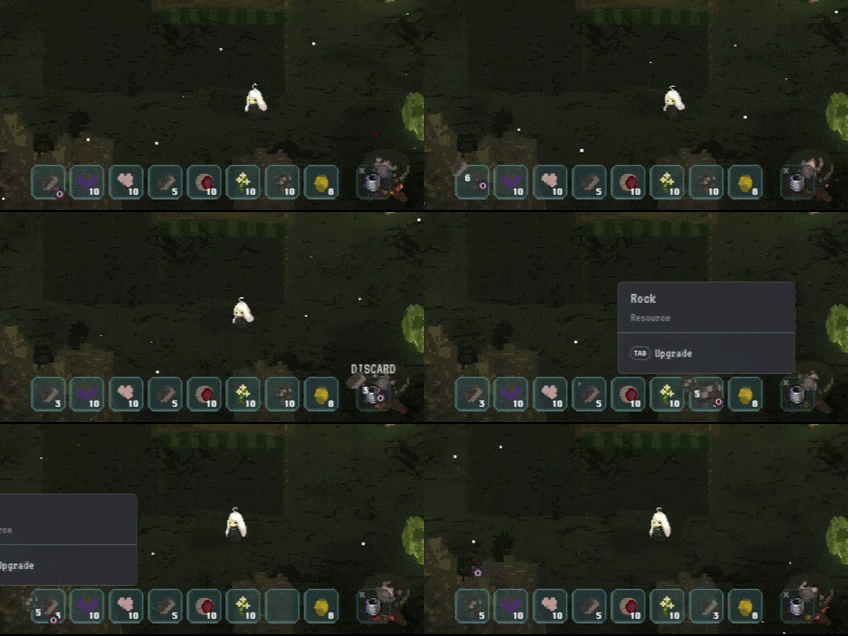
Item and Resource
- Crafting
- Inventory
- Loot Generation
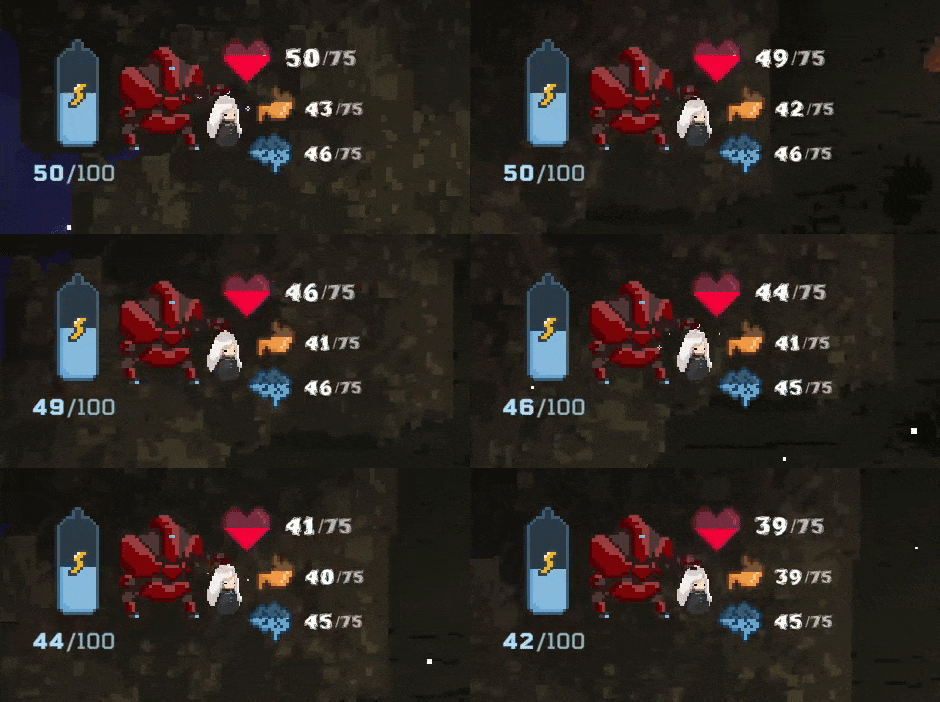
Character
- Attributes
- Upgrades
- Status (HP/Hunger/Sanity)
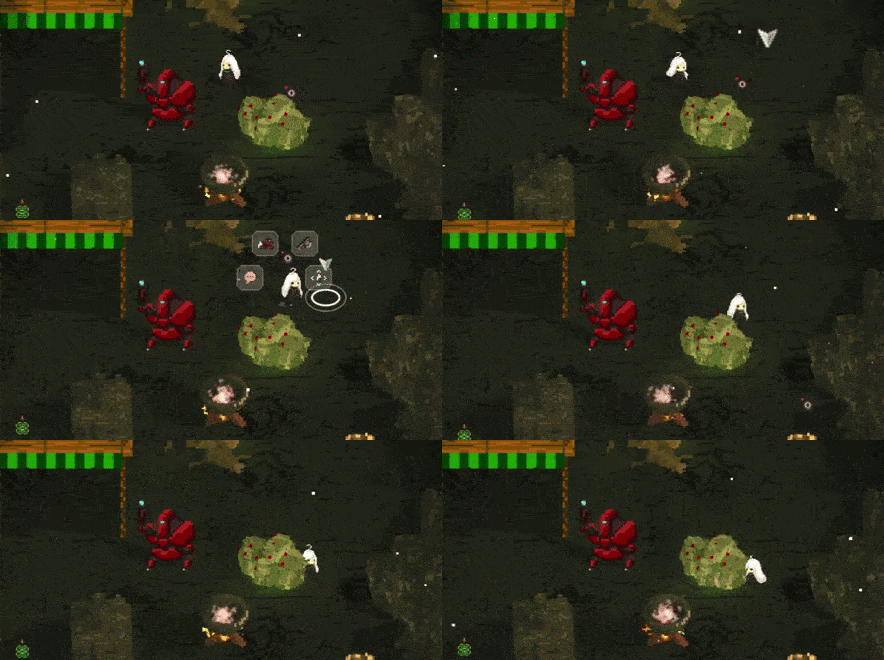
AI
- State Machine
- Command System
- Affinity
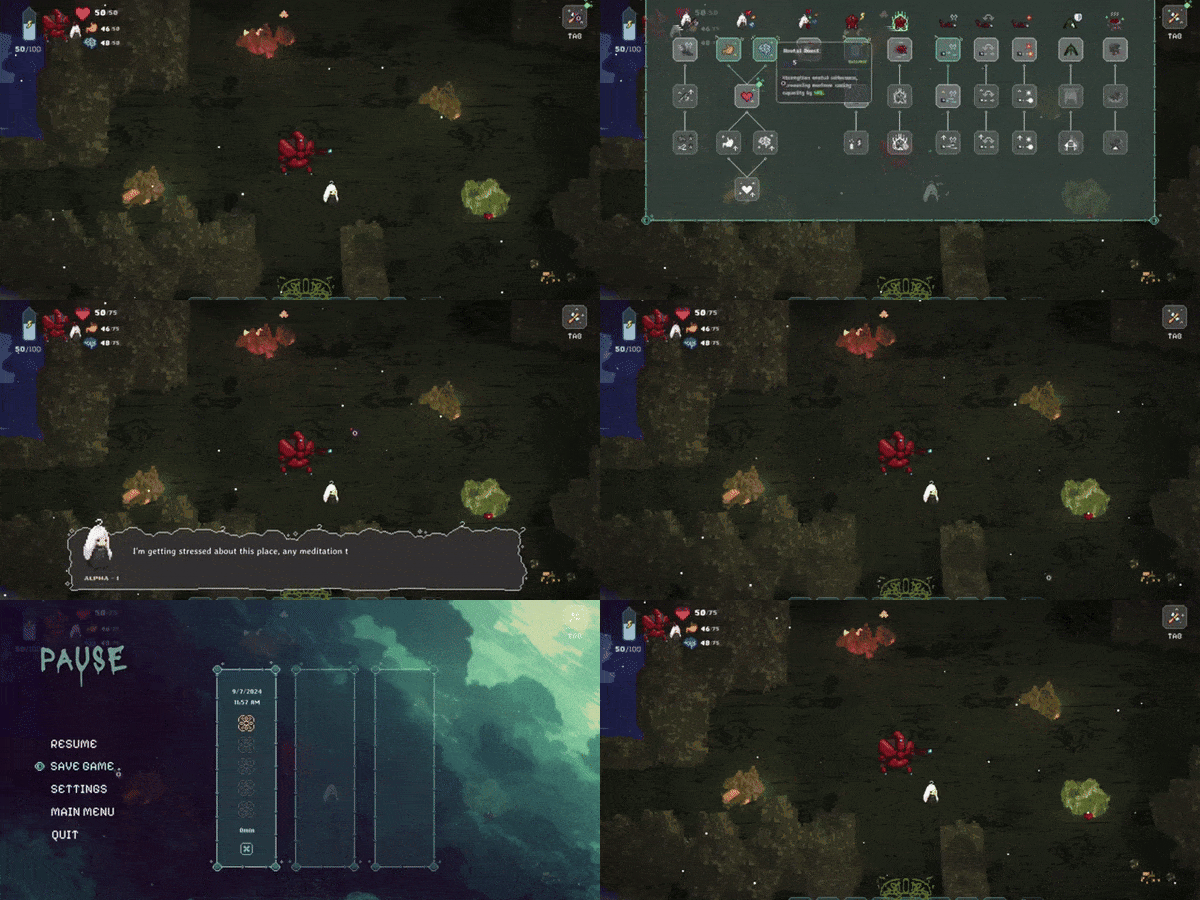
UI
- HUD
- Menus
- Cutscenes
Technical Details
Drop Table / Loot Generation
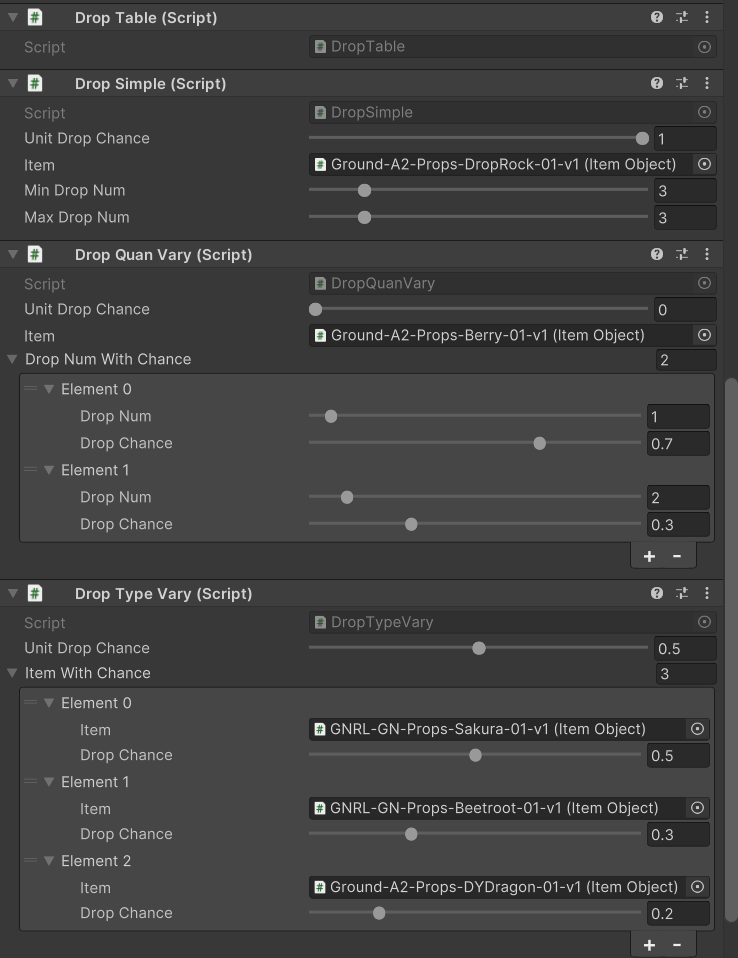
The loot generation system consists of two parts, a DropTable script and any number of Drop scripts. The Drop scripts all inherit from an abstract base class called DropBase, which contains a variable named UnitDropChance, and a pure virtual function GenerateDrop. DropTable calls all DropBase components on the same object to generate loot when a monster is slain.
Different derived Drop scripts override the GenerateDrop function to exhibit different behaviors. For example:
DropSimple, as the name suggests, simply drop any number of loot within range. The drop chance is uniform across different numbers.DropQuanVaryis useful when we want a loot’s drop chance to vary depending on the number of items dropped. For example, 70% chance to drop one berry, and 30% chance to drop 2 berries.DropTypeVaryis used when the potential drops are mutually exclusive. For instance, 50% chance to drop one of three items with their specific chances being 50%/30%/20%.
The system is easy to set up and can be configured to achieve a wide range of conditional drop.
Item System Structure
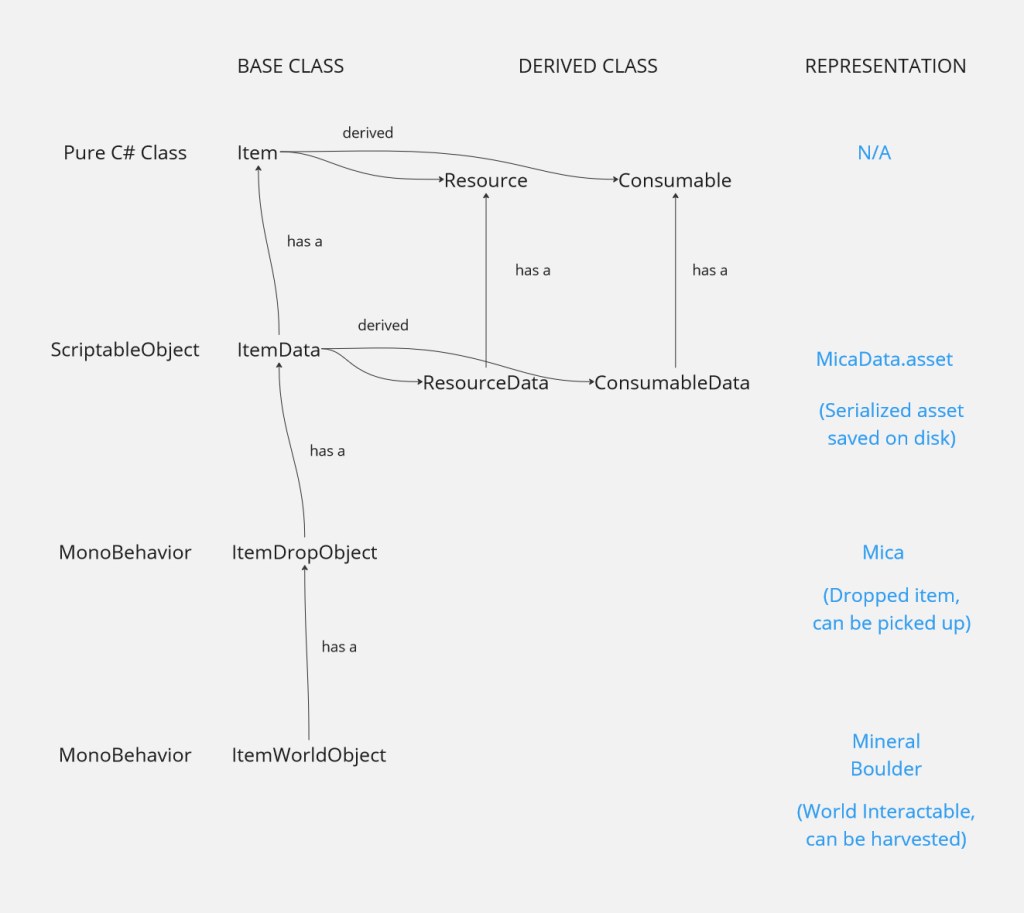
The architecture used to represent items in-game separates item properties, serialized data, and behavior into different layers.
The pure C# class layer consists of the abstract Item class, with Resource and Consumable as derived class. These classes define the basic properties for items, including name, sprite, weight, and effect. The serialized data layer, inherited from the ScriptableObject class, and has a single Item type variable. This layer allows designers to set values for item properties, which are then saved as serialized assets.
The bottom two layers represent in-game items, as dropped loot or as interactable objects.
Separating the item system into these layers not only makes the code easier to write and iterate, but it also ease collaboration issues posed by version control, as the dependencies between asset files are reduced, and developers only need to change one or two files when updating.
Status and Attribute
The Status class and the UpgradableAttribute struct are foundational elements used by all characters in game, friend or foe.
The Status class provides a unified approach to handling values, facilitating external interactions like UI feedback and audio cues through events. Status types are differentiated by an enum variable.
The UpgradableAttribute struct is tailored for the game’s upgrade system, which incrementally increases attribute values. It retains the base value for each attribute, which is essential for additive calculations during upgrades.
Incorporating these two constructs simplifies the coding process, enhancing both the development experience and the ease of debugging.
// PSEUDOCODE, FOR ILLUSTRATION PURPOSE
public class Status
{
private StatusType _statusType // HP, Hunger, Sanity, or Fuel
private float _currentValue;
private float _maxValue;
private float _lowStateThreshold;
public event Action<bool> OnEnteringLowState;
public event Action<bool> OnDepleting;
public event Action<float> OnValueModified;
}
public struct UpgradableAttribute
{
public float baseVal;
public float currentVal;
public event Action OnValueUpgraded;
public void UpgradeValue(float percentage)
{
currentVal += baseVal * percentage * 0.01f;
OnValueUpgraded?.Invoke();
}
} Yiyang Li | Gameplay Programmer